
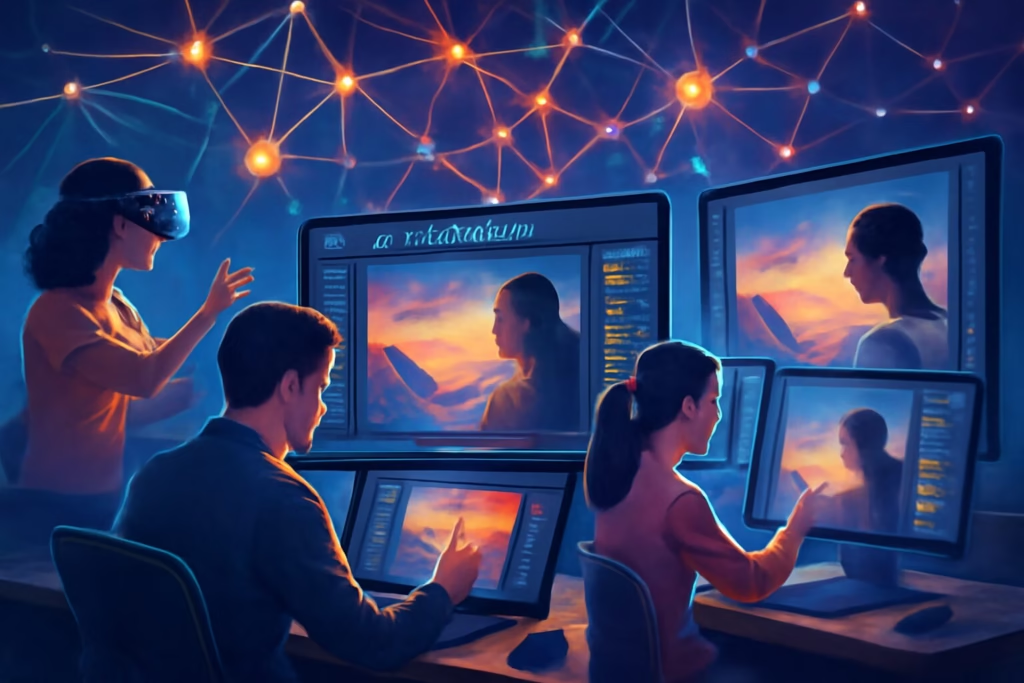
Imagine typing a few words like “a sunset over a mountain lake” and watching a stunning image appear in seconds. That’s the magic of an AI image generator. These tools turn text into pictures. They help artists, marketers, and hobbyists create visuals fast. In this article, you will learn what they are, how they work, and tips to use them well. Stay with us to unlock their power for your projects.
What Is an AI Image Generator?
An AI image generator is a software tool. It uses artificial intelligence to make images from text prompts. You describe what you want. The AI creates it. No drawing skills needed.
These tools started as simple experiments. Now, they make detailed art, photos, and designs. They save time. They spark ideas. Anyone can use them. Students make illustrations for reports. Businesses create ads. Creators build worlds for stories.
AI image generators differ from photo editors. Editors fix existing images. Generators build new ones from scratch. This opens doors for endless creativity.
How Do AI Image Generators Work?
AI image generators rely on machine learning. They train on huge datasets of images and captions. Models like diffusion or GANs power them.
Diffusion models start with noise. They remove it step by step to form the image. GANs use two networks. One generates. The other judges. They improve together.
You input a prompt. The AI processes it. It outputs the image. Add details like style or colors for better results. For example, say “a cat in space, realistic style.” The tool delivers.
These systems evolve. They learn from user feedback. This makes them smarter over time.
Popular AI Image Generators
Many tools exist. DALL-E from OpenAI creates fun, surreal images. It handles complex prompts well.
Midjourney shines in artistic styles. Users access it via Discord. It produces high-quality fantasy art.
Stable Diffusion is open-source. You can run it on your computer. It offers more control.
Adobe Firefly integrates with Photoshop. It helps pros edit and generate.
Google’s Imagen focuses on realism. It makes lifelike scenes.
Each tool has strengths. Pick based on needs. Free versions exist for testing.
Benefits of Using AI Image Generators
AI image generators boost productivity. Create visuals in minutes, not hours.
They inspire. Stuck on ideas? Generate options to spark thoughts.
Access is easy. Most run online. No expensive software required.
Customization is key. Tweak prompts for unique results.
They democratize art. Non-artists can express ideas visually.
Businesses save money. No need for stock photos or hires.
Educators use them. Make custom diagrams or historical scenes.
Tips for Using AI Image Generators Effectively
Start simple. Use clear prompts. Describe subjects, styles, and moods.
Experiment. Try variations. Add words like “vibrant” or “minimalist.”
Learn keywords. Tools respond to art terms like “oil painting” or “pixel art.”
Refine outputs. Many allow edits. Upscale or vary images.
Combine tools. Generate in one, edit in another.
Practice ethics. Avoid copying real artists’ styles without credit.
Track trends. Follow AI communities for new prompts.
For better skills, join AI Mastery Plan.
Ethical Considerations in AI Image Generation
AI tools raise questions. They train on existing art. This can mimic styles without permission.
Copyright matters. Generated images may infringe if too similar.
Bias exists. Datasets reflect real-world flaws. Outputs can show stereotypes.
Use responsibly. Credit inspirations. Avoid harmful content.
Regulations grow. Laws address AI art ownership.
Think about impact. AI aids creativity, not replaces it.
The Future of AI Image Generators
AI image tech advances fast. Expect more realism. Tools will handle videos soon.
Integration grows. Apps will embed generators.
Personalization improves. AI learns your style.
Accessibility rises. Free tools multiply.
Challenges remain. Energy use is high. Solutions come.
Stay updated. For more improvement, explore.
AI image generators change how we create. They empower all.
FAQs
- What is the best AI image generator for beginners?
DALL-E is great. It has a simple interface. Start with basic prompts. - Can I use AI-generated images for commercial work?
Yes, but check terms. Some tools allow it. Others restrict. - How do I make better prompts?
Be specific. Include details like lighting and composition. - Are AI image generators free?
Many offer free tiers. Paid plans unlock more features. - What if the output is not what I want?
Refine the prompt. Or use the regenerate option. - Do these tools require coding knowledge?
No. Most are user-friendly. Just type and click. - Can AI generate images in specific styles?
Yes. Mention artists or eras in prompts. - Is AI art considered real art?
It depends. Many see it as a tool for human creativity.