
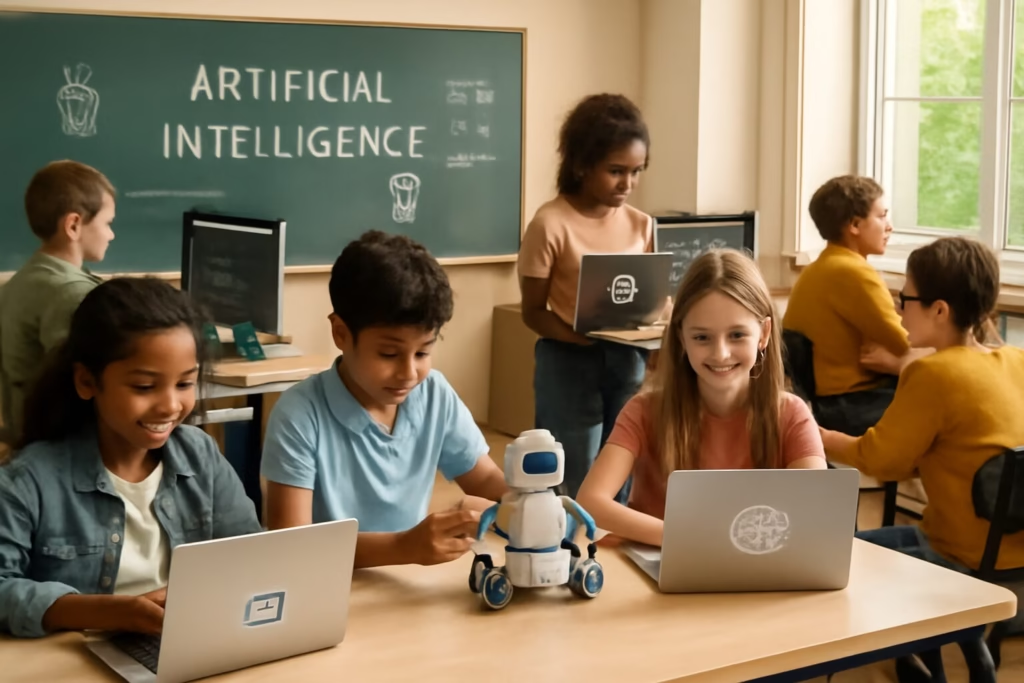
Artificial Intelligence (AI) is everywhere, from phone apps to self-driving cars. It’s exciting, and students can dive in too! AI activities spark creativity, teach skills, and prepare you for the future. No need for fancy tech or coding skills to start. This article shares fun, practical AI activities for students. Perfect for learners, teachers, or curious minds, these ideas are hands-on and evergreen. Let’s explore how to jump into AI today!
Why Students Should Explore AI
AI shapes our world. It helps doctors, powers games, and predicts weather. Learning AI builds problem-solving skills. It opens doors to cool careers.
You don’t need to be a tech genius. Many activities are beginner-friendly. They teach critical thinking and teamwork too.
Plus, AI is fun! You can create games or art. Starting early gives you a head start. Ready to try? Let’s begin with simple projects.
Coding Simple AI Chatbots
Chatbots talk like humans. They’re a great first step. Students can build one without deep coding knowledge.
Use platforms like Scratch or Code.org. They offer drag-and-drop coding. Create a bot that answers questions about animals or math.
For example, make a chatbot that quizzes friends on history facts. Set it to respond with fun replies. It teaches logic and creativity.
Older students can try Python with Replit. It’s free and online. A simple bot can greet users or suggest study tips.
Start small. Test your bot with friends. It’s rewarding to see it work!
Next, let’s get creative with AI art.
Creating AI-Generated Art
AI can make stunning art. Students can explore this with free tools. It’s a blast for all ages.
Try Artbreeder or VQ-VAE-2. Upload a photo, and AI tweaks it into a painting. Or blend images to create new ones.
For instance, mix a cat and a sunset. The result is unique! Share it in class or online.
No coding needed. These tools use sliders and buttons. They teach how AI learns from images.
Tip: Experiment with styles like cartoon or abstract. It sparks imagination. Save your art for projects or portfolios.
Now, let’s play with AI in games.
Building AI-Powered Games
Games make learning fun. AI can power simple games students create. It’s easier than you think.
Use Scratch to build a maze game. Add an AI character that chases players. It learns to find paths over time.
Another idea: Make a quiz game. AI picks questions based on player skill. If you’re new, it asks easy ones.
For advanced students, Unity with Python adds AI enemies. They dodge or attack smartly. Free tutorials guide you.
Games teach coding and logic. Plus, they’re shareable. Show your game to friends or teachers!
Let’s move to real-world problem-solving.
Solving Problems with AI Projects
AI tackles real issues. Students can too. Projects connect learning to life.
Try a weather predictor. Use free datasets online. Tools like Google Colab help analyze patterns. Predict rain for your town!
Another project: Build an AI to sort trash. Train it to spot plastic versus paper. Use Teachable Machine, a free tool. It’s great for environmental clubs.
These projects teach data skills. They look great on resumes too. Pick a problem you care about. AI makes it fun to solve.
Next, explore AI in robotics.
Experimenting with AI Robotics
Robots are cool. AI makes them smarter. Students can try robotics without big budgets.
Start with kits like LEGO Mindstorms. Program a robot to follow lines. AI helps it avoid obstacles.
No kit? Use virtual simulators. VEXcode VR lets you code robots online. Make one pick up virtual objects.
For older students, Raspberry Pi is affordable. Add AI to make a robot recognize faces. Free guides online help.
Robotics teaches teamwork. Build with friends. It’s hands-on and future-proof.
Let’s talk about ethics next.
Learning AI Ethics and Fairness
AI isn’t just tech. It raises big questions. Students can explore ethics through activities.
Hold a class debate. Topic: Should AI decide school grades? Discuss bias and fairness. It builds critical thinking.
Another idea: Analyze AI ads. Spot how they use data. Are they fair? Write a short essay or present findings.
Use free resources like AI4ALL. They offer lessons on AI’s impact. These activities shape responsible tech users.
Ethics matter. They prepare you for AI’s role in society.
Finally, here’s how to keep learning.
Tips to Keep Exploring AI
Start small. Pick one activity, like a chatbot. Spend an hour a week.
Join clubs. Many schools have coding or STEM groups. Share ideas there.
Use free tools. Code.org, Scratch, and Teachable Machine are great.
Watch YouTube tutorials. They break down AI steps simply.
For more, visit AI Mastery Plan. It offers guides to grow skills.
Explore for extra learning resources.
AI is your playground. Have fun, learn, and shape the future!
FAQs
- What is an AI activity for students?
It’s a project using AI, like building chatbots or art. - Do I need coding skills for AI?
No. Tools like Scratch make it easy for beginners. - Can AI activities help my career?
Yes. They build skills for tech jobs. - Are AI tools free for students?
Many are, like Code.org and Teachable Machine. - How does AI art work?
AI mixes images based on patterns it learns. - Can I do AI projects alone?
Yes, but teamwork with friends is fun too. - Why learn AI ethics?
It helps you use AI fairly and responsibly.